File Forge
FILE UTILITIES// Convert images, PDFs, audio and data, all in your browser
File Forge is a file conversion toolkit right inside Chrome. Convert images, edit PDFs, convert audio, reshape data, and pull text from scans with OCR.
Add to Chrome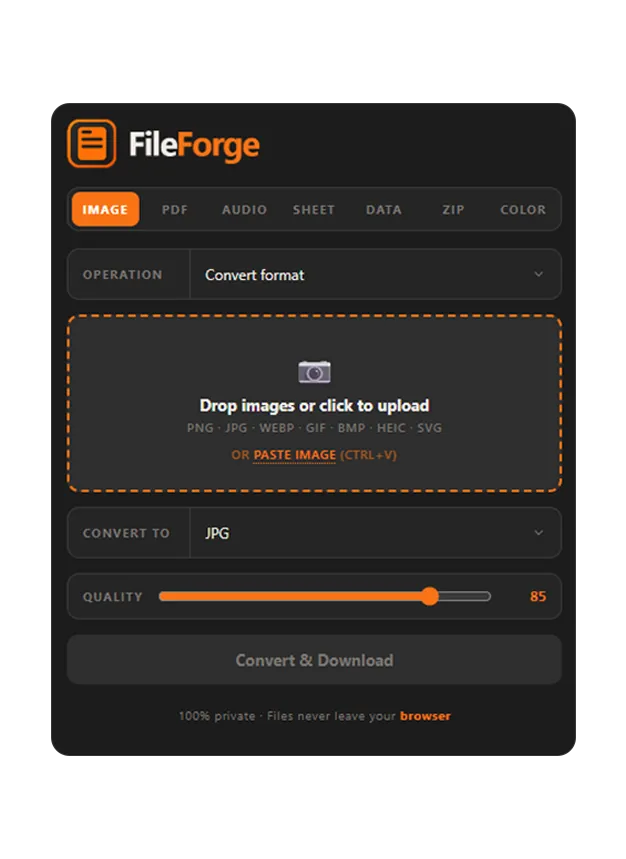
Inside the Extension
One extension covers the file jobs that usually mean five different websites. Drop a file in, pick the operation, get it back in seconds.
Images
- Convert PNG, JPG, WebP, GIF, BMP, HEIC, SVG
- Smart compress to a target file size
- Resize with fit, fill, or cover
- Strip EXIF and location metadata
- Remove solid-color backgrounds
- Favicons and GIF frame extraction
PDFs
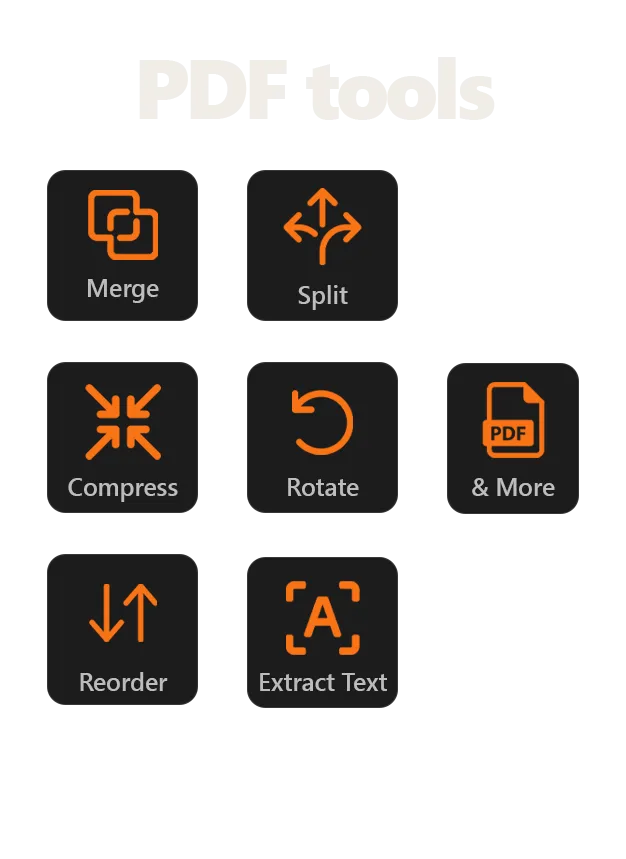
- A complete PDF editing suite
- Merge, split, reorder, rotate
- Compress to shrink the file
- Add page numbers
- Extract text
- PDF to images and back
Audio and video
- Convert MP3, WAV, OGG, M4A
- Extract audio from video
- Trim, normalize, fade, change speed
Data and spreadsheets
- CSV, JSON, JSONL, YAML, TSV, SQL, XLSX
- Dedupe, sort, and filter rows
- Format or minify JSON
- Base64 and URL encode
OCR
- Pull text from any image or PDF
- Runs on-device with no scan limits
Color tools
- HEX, RGB, HSL, OKLCH conversion
- Color picker and screen eyedropper
FAQ
- Is it really free?
- Yes. File Forge is free to install.
- Do my files get uploaded anywhere?
- No. Everything runs locally in your browser using WebAssembly, so files never leave your machine. That is why it works for sensitive documents and regulated work.
- What can it actually convert?
- Images (PNG, JPG, WebP, GIF, HEIC, SVG and more), PDFs, audio and video, and data formats like CSV, JSON, XLSX and YAML. It also runs OCR and includes color tools.
- Does it work offline?
- Yes. After install it runs entirely on-device, so it keeps working without a connection.
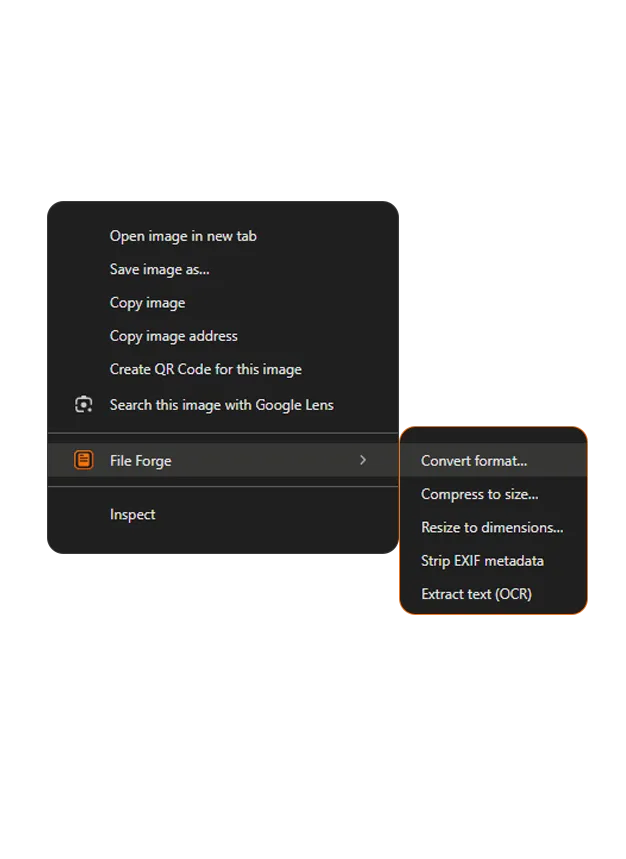
- Can I convert without opening the popup?
- Yes. Right-click an image, a PDF link, or selected text and pick the operation from the File Forge menu.
Your files stay private
Most online converters upload whatever you give them to a server you do not control. File Forge runs everything in the browser, so a sensitive contract or an unreleased asset stays on your machine.